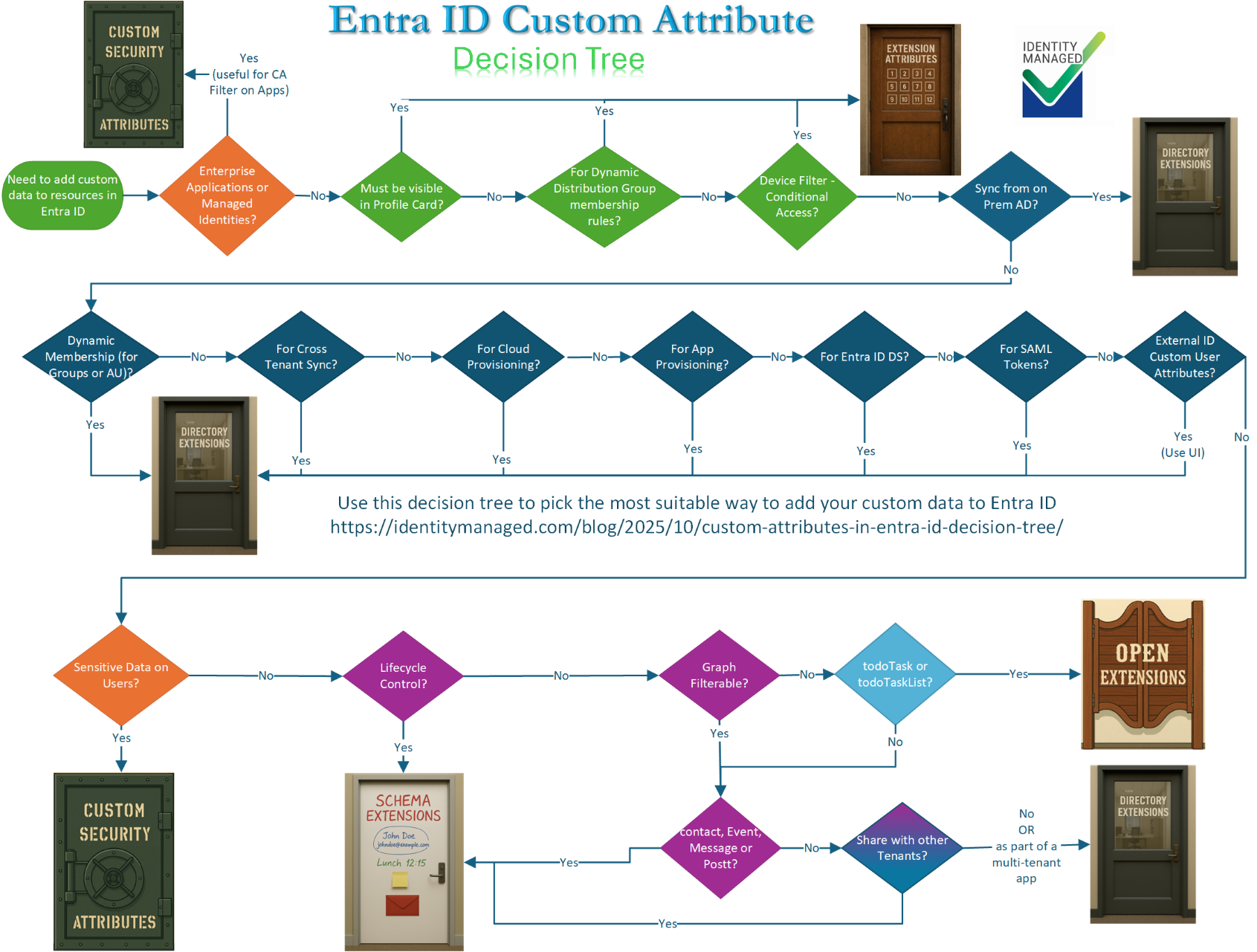
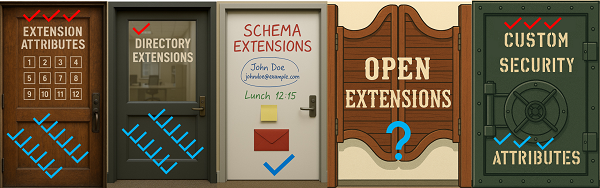
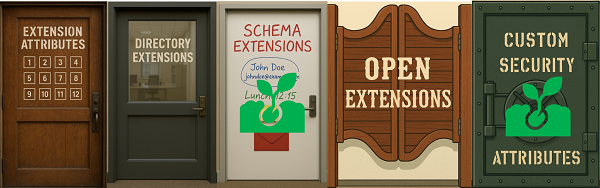
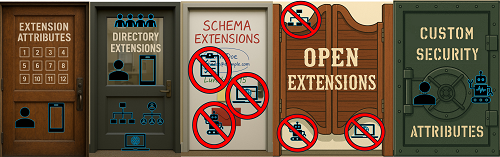
This article is the seventh in a series about Custom Attributes in Entra ID and will discuss the use cases of each these approaches. There are seven use cases that have only one solution, three exclusive use cases for Extension Attributes, three exclusive for Custom Security Attributes and one for Directory Extensions.
Names and aliases Naming Conventions Resource Types Data Types Lifecycle Limitations Use Cases Decision Tree Use Cases Extension attributes Directory Extensions Schema Extensions Open Extensions Custom Security Attributes Visible on Profile Card Y (Exclusive) N N N N Exchange Dynamic Groups Y (Exclusive) N N N N Group Dynamic Membership Rule Y Y N N N Administrative Unit Dynamic Membership rule Y Y N N N Inbound Cloud Provisioning Y Y N N N Cloud User App Provisioning Y Y N N N User App Provisioning Filtering Y Y N N N On Premise Sync Y Y N N N Cross Tenant Sync Y Y N N N Customized Token Claims Y Y N N N** Entra ID DS Y Y N N N Graph Filterable Y Y Y N Y Azure B2C Y Y N N N External ID Custom User Attributes N Y (Exclusive) N N N Restricted Access/Sensitive Data N N N N Y (Exclusive) Conditional Access Filter on Enterprise Applications N N N N Y (Exclusive) Conditional Access Filter on Devices Y (Exclusive) N N N N Conditional Access Filter on Users and Groups (via Dynamic Group Membership) Y Y N N N UI to manage the customizations N/A N* N N Y Azure ABAC N N N N Y (Exclusive) Lifecycle Workflows: Scope Filter Y Y N N Y Lifecycle Workflows: Trigger Attributes N N N N N Access package assignment Policy Y Y N N N My default answer: use a Directory Extension unless you can’t!
Continue reading